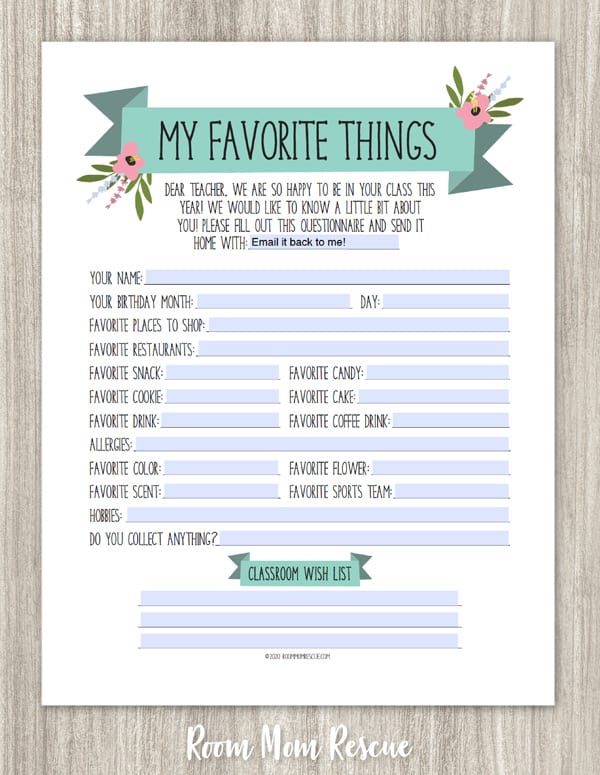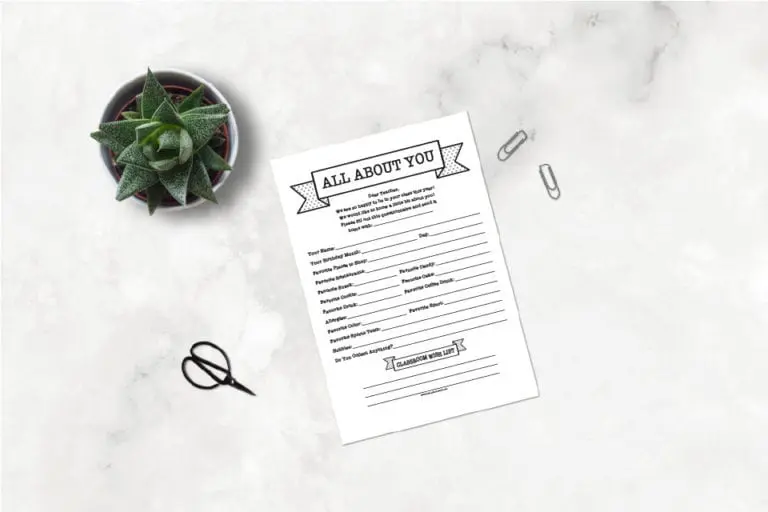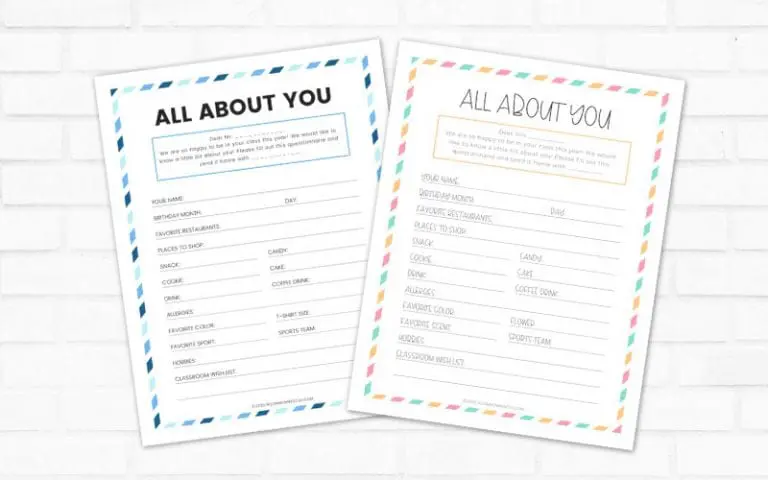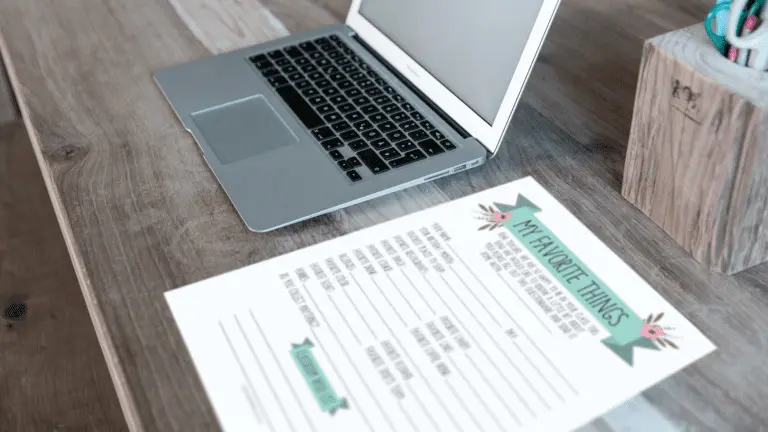

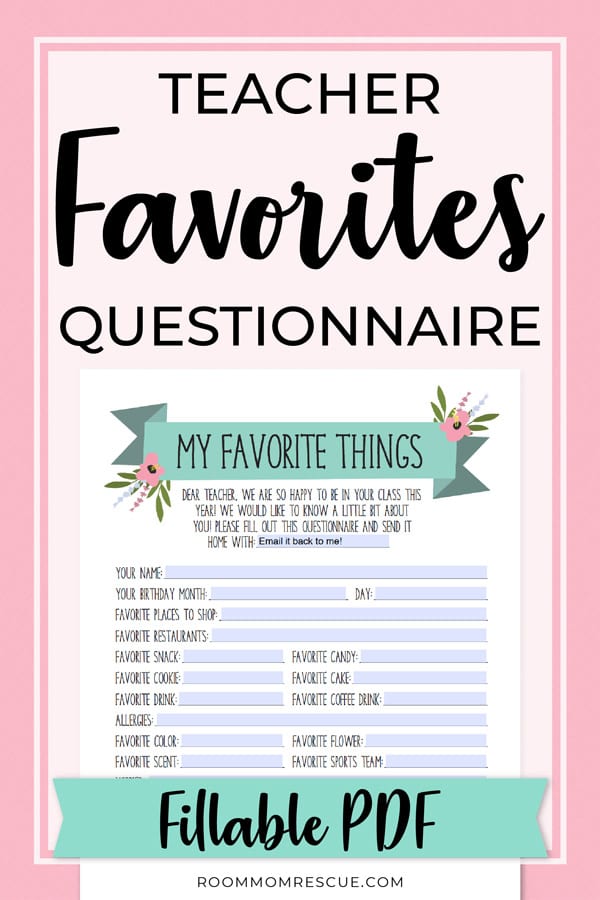
Using a fillable teacher favorites questionnaire PDF is an easy way to learn more about the teacher without having to waste paper. As a room parent, teacher questionnaires are my favorite little secret weapon. Here’s why…
With a completed teacher survey in-hand, I always know exactly what to give the teacher for her birthday, Christmas, and Teacher Appreciation week! When you’re in charge of the class gift, it’s important to make sure you’re getting something she really wants, right?!
Pin it for later! ⤵️
Digital vs. Printable Teacher Questionnaire
Typically, I’ll send a printed version of this teacher questionnaire to school with my daughter (or I’ll use this one if she has a male teacher). The teacher will fill it out and return it to me by sending it home with my daughter.
But, if you don’t have a printer, or you don’t want to burden her with having to print it out for you, you can use a fillable PDF questionnaire instead!
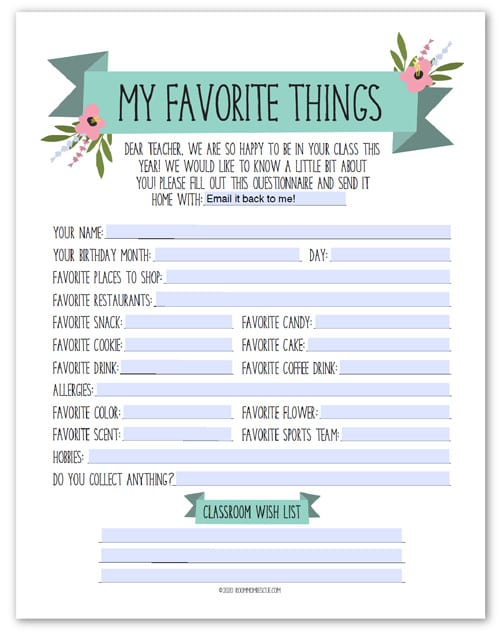
To be clear, only the blank spaces (shown in blue) on this form can be edited. If you want a totally customizable teacher questionnaire, all of our favorites are available in the new Editable Questionnaire Bundle (here).
If you want to stick to the fillable questionnaire, keep reading to learn how to get your free copy.
Get a Copy of the Fillable Teacher Favorites Questionnaire
First, you’ll want to get the file from the Resource Library. It’s totally free to access! Just enter your email below to get the password.
When you sign up, you’ll receive the password in your email inbox. Once you have the password, log in to the Resource Library using the link in the email or click here.
After you’ve entered the password, scroll and select the fillable My Favorite Things PDF from the list of teacher questionnaires and click on [OPEN].
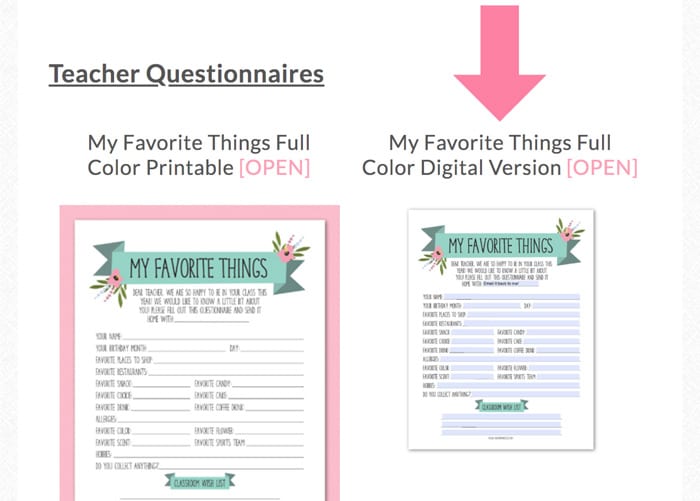
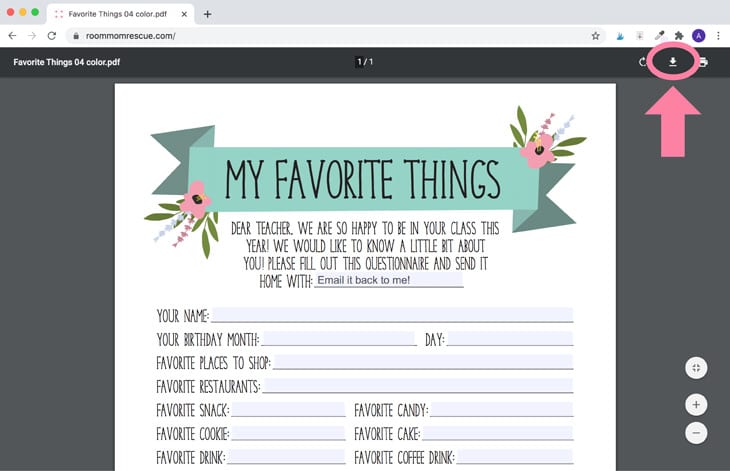
Once you click, the file will open up in a new tab in your browser. At this point, you’ll need to download the file to your computer.
If you fill in any of the spaces before you download it, your text will NOT be saved. So, select the download icon in the top right.
Editing The File (Optional)
Just to be clear, you can send the file to the teacher right away, as-is. It’s ready to go! But if you’d like to edit any of the fillable blanks, follow the steps below.
Once the file is downloaded, you can open it on your computer using Adobe Acrobat Reader, which is a free PDF viewing program. To download the free software, go to this page. If you’re a Mac user, you can also use Preview to open and edit the file without having to download an extra program.
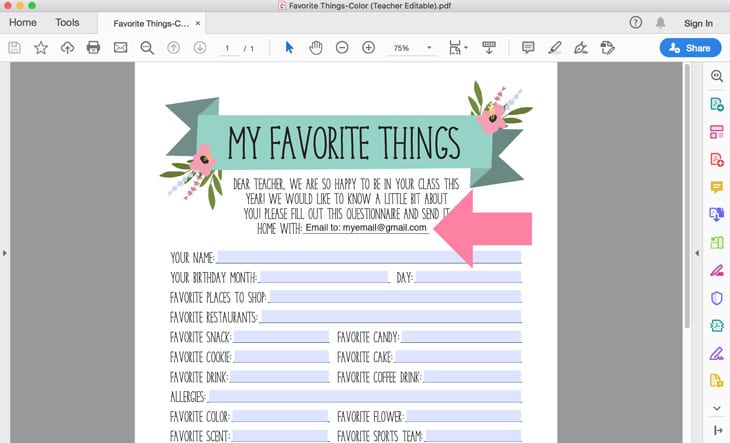
To edit the fillable blanks, simply select the line, and start typing! You may want to add your child’s name to the top line (if you want her to print it and send it back to you). Alternatively, you can add your email address there so the teacher can email it back instead.
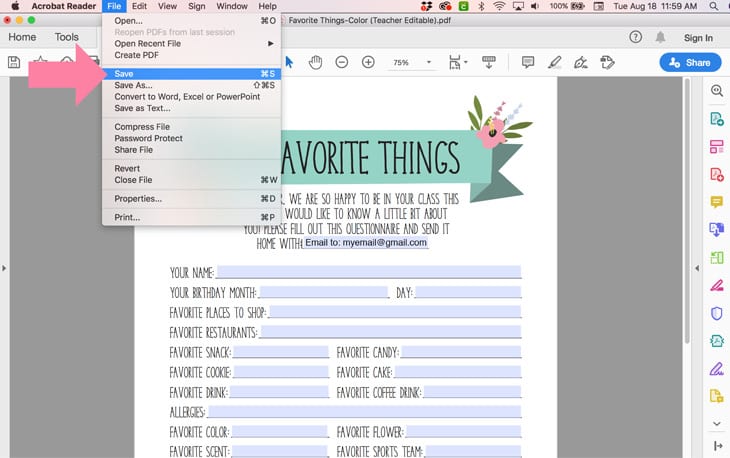
Once you’re happy with your edits, it’s super duper important to SAVE the file. If you do not save your file, you edits will be lost.
To save, go to File > Save.
Close the file, and take note of where it’s saved on your computer. My files always end up in my “Downloads” folder, but yours may get saved to your Desktop or somewhere on your hard drive.
Fully Editable Versions (Optional)
We get tons of requests for fully editable questionnaires, and we know sometimes it’s nice to be able to tailor the survey questions to your teacher. For example, if you want to know if the teacher likes cats or dogs, you can add a line for that!
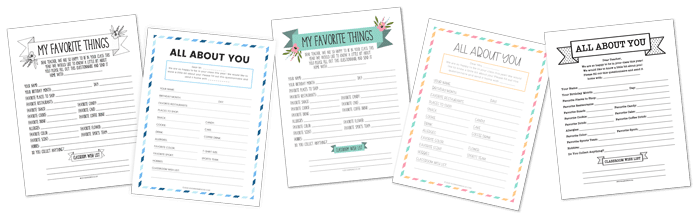
If you prefer to edit the questions on each line, you can get the Editable Versions of this questionnaire and 4 more inside of the bundle below:
Get the EDITABLE Version of This Questionnaire [+4 BONUS Designs]!
Get editable versions of all 5 RMR Teacher Questionnaires. Each design can be customized according to the teacher favorites YOU want to ask about!
Send the Favorites Questionnaire to the Teacher
The best way to send this file to the teacher is by email, but theoretically, you could send it via text as well. To send via text, you’ll need to follow the steps above and save the file to your phone instead of your computer.
Use the email template below to craft your email to the teacher. You can easily adapt this template to send in a text message as well.
Hi ___TEACHER’S NAME___,
I’m ___YOUR CHILD’S NAME___’s mom, and I’ll be your room mom this year! The other parents and I would love to get to know a little more about you, so I’m attaching a digital questionnaire to this email for you to fill out when you have time.
Please open the attached PDF (it can be edited with Adobe Reader, just make sure to save the file before emailing it back!).
Thanks!
___YOUR NAME HERE___
Feel free to edit the template to fit your personality and goals for the email. The template is just to help you get started!
Next Steps
Once the teacher returns the completed survey, don’t keep all that valuable information to yourself! Other parents in the class would really appreciate knowing the teacher’s gift preferences too!
If you’re a room parent this year, make sure to grab our room mom introduction letter to parents template. The template will make it easy to break the ice with parents while letting them know what your new role is all about.
I always attach the completed teacher favorites questionnaire to my room mom intro letter. It gives me a legitimate excuse to email parents besides just introducing myself as the new room parent. ?
If you’re new to room parenting and you’re not sure what your room mom duties are, we have tons of free resources to get you started. First, check out the post I Signed Up for Room Mom, Now What? to get a better idea of what you’ve signed up for. Don’t worry, it’s going to be easy peasy and so much FUN!!
Re-Sharing the Questionnaire
Once you’ve shared the teacher favorites questionnaire, keep the file in a safe place on your computer. Certain holidays and special occasions will come up throughout the year, and parents will want to give teacher gifts!
Most common holidays to send teacher gifts include:
- Teacher’s birthday
- Christmas/Holiday
- Teacher Appreciation Week
Re-sharing this form a few weeks before these events will so so helpful. Trust me, parents will be thanking you!
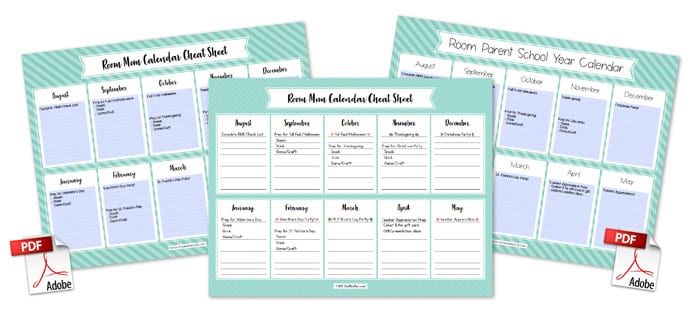
Since you’ve already gotten access to the Resource Library, grab a Room Parent Calendar Cheat Sheet while you’re there! These calendars will help you stay on track and plan ahead as a room mom.
Also, if you’re in charge of coordinating the class gift (group gift), use this template to collect money from parents. Collecting donations from parents used to terrify me! But, to my surprise, I quickly realized that many parents would much rather contribute to a larger class gift instead of sending smaller individual gifts.
More Resources for Room Moms
- New to Room Parenting? Check out more free templates & printables to help you throughout the school year!
- Planning a teacher gift from the class? Learn How to Write a Room Mom Letter to Parents Asking for Money
- Planning a class party? Use this guide to collect donations from parents.
- No Room Mom Program at your school? Learn how to start a room parent program from scratch!
I hope this post helped you learn how to use a fillable teacher favorites questionnaire to get to know the teacher this year. These surveys really are my favorite part of room parenting, and I’m sure they’ll be yours too! If you have any questions about room parenting or teacher questionnaires, feel free to reach out to me at info@roommomrescue.com.
Have a great school year,
Amy